A result is still processing
Open the conversation — it shows the latest progress. Wait for it before asking again.
Open your projects ↗
JOISK HELP CENTER
Find your way around, solve a problem, or get back to making.
NEW TO JOISK?
Bring a question, an idea, or a rough brief. You can decide what it becomes as you go.
Read the getting-started guide ↗Open the conversation — it shows the latest progress. Wait for it before asking again.
Open your projects ↗Refresh the page. Your allowance is safe even if the number doesn't show.
Check usage ↗Your allowance refills every week, and Joisk never charges you automatically for more. You can see when on your Usage page.
Review Usage ↗Tell us what happened, which tool you were using, and what you expected. Leave passwords and payment details out of your message.
Contact the team ↗Inside the Windows beta
An annotated view of the desktop app. Choose a step to find the control.
Silent, captioned screenshot tour of the Windows beta.
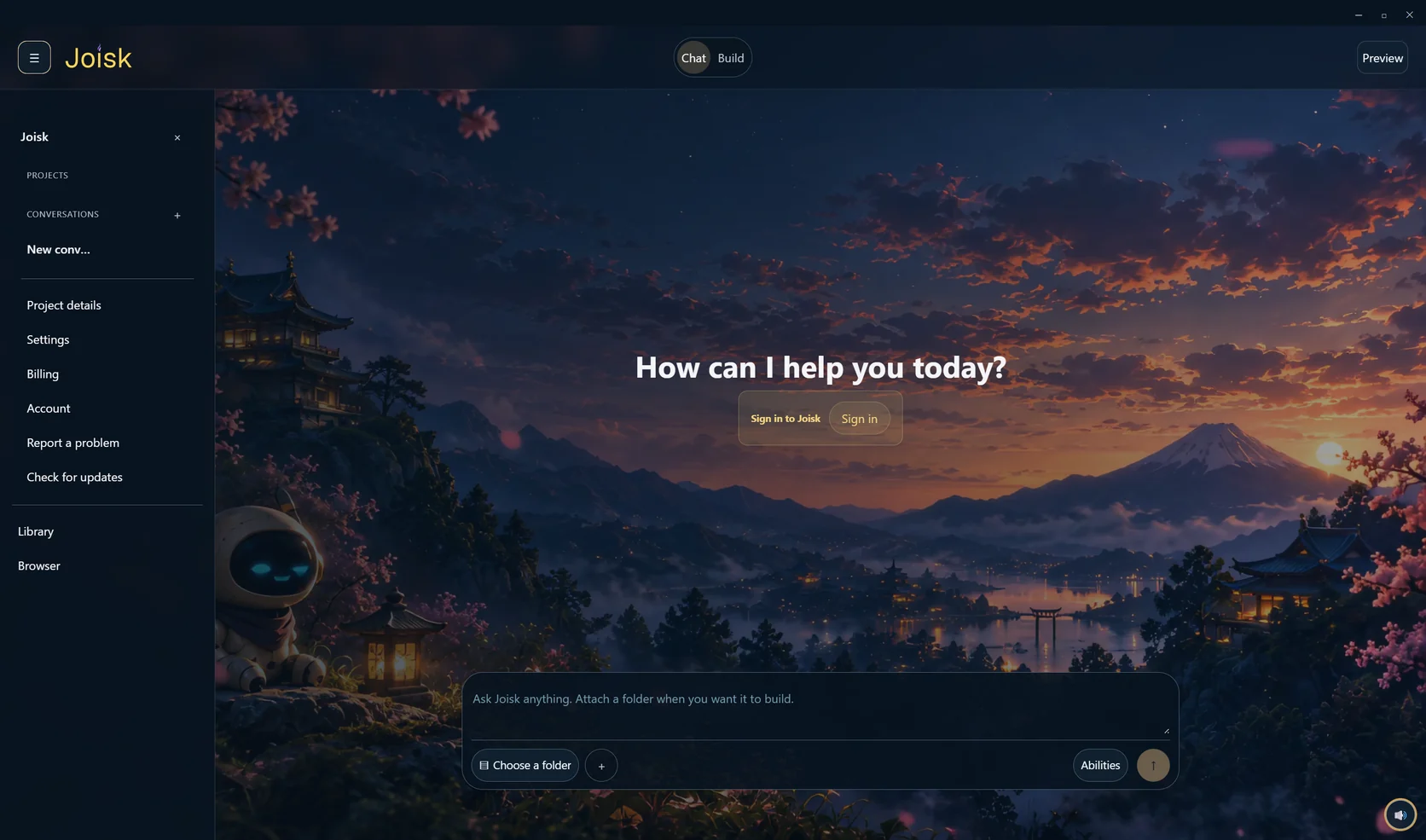
Windows beta screenshot. The web workspace and upcoming mobile apps may look different.
CAN’T FIND THE ANSWER?
Get help finding the right guide. For account-specific issues, contact the team.